
Learn Sellcome
How Sellcome works
Short visual guides to every part of your workspace. Each one takes a few minutes and shows exactly where to click, on a computer and on a phone.
Set up your agent
Five steps from your business details to an agent that answers customers for you. Most businesses finish in about ten minutes.
Open the guide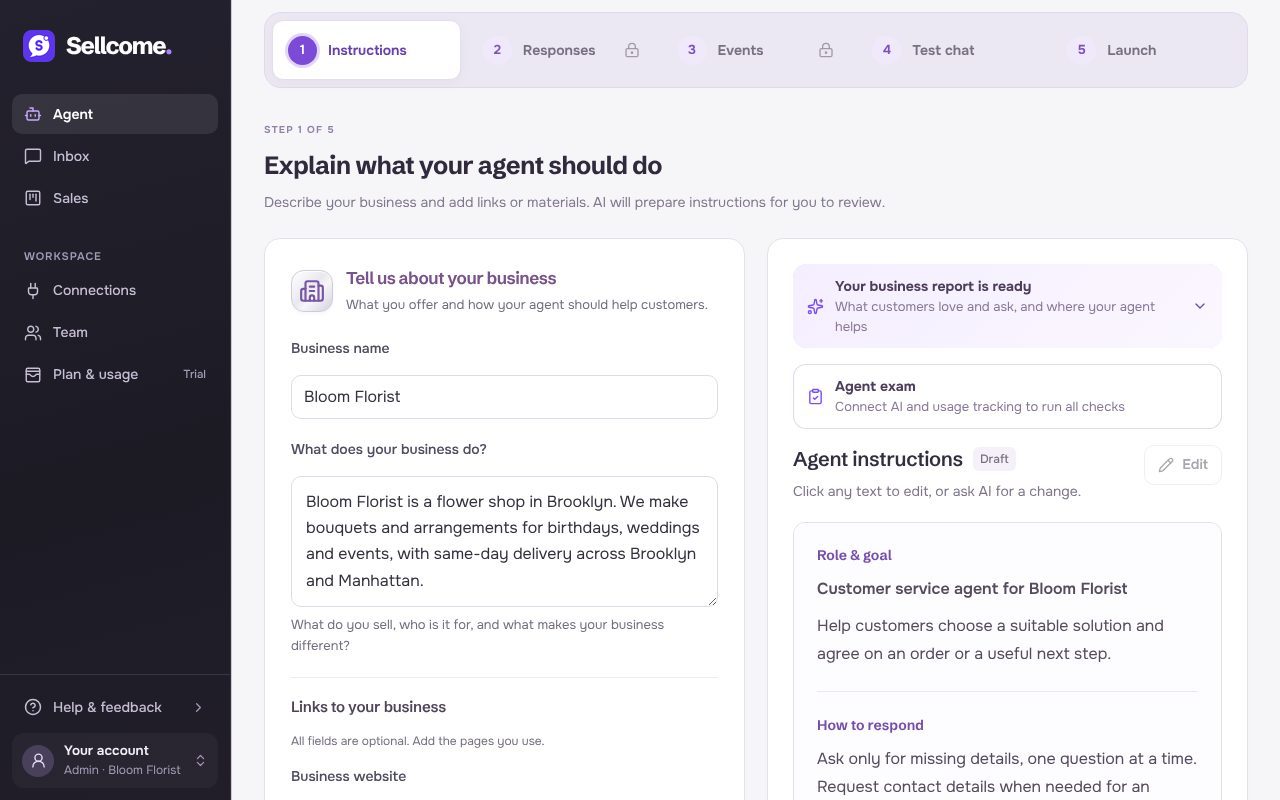
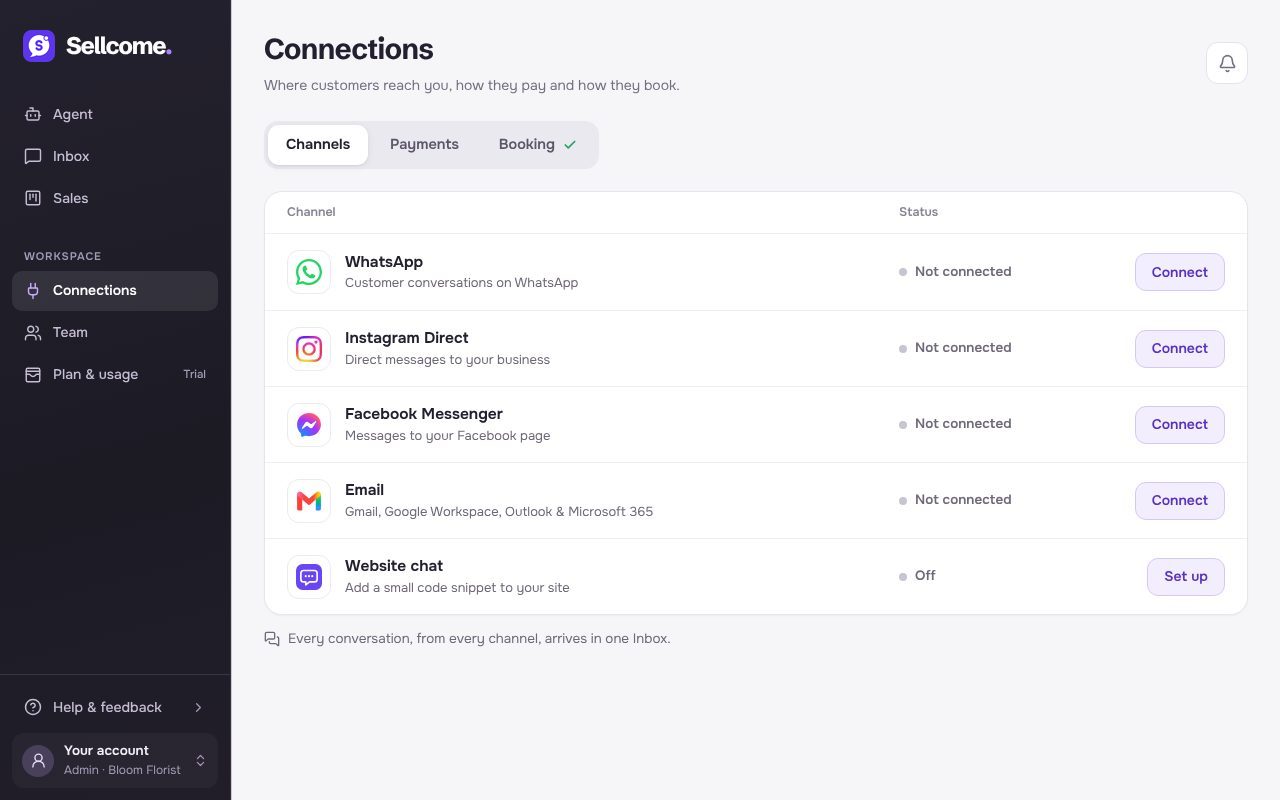
Connect your channels
Bring WhatsApp, Instagram, Messenger, email and your website chat into one place, so your agent can answer customers wherever they write.
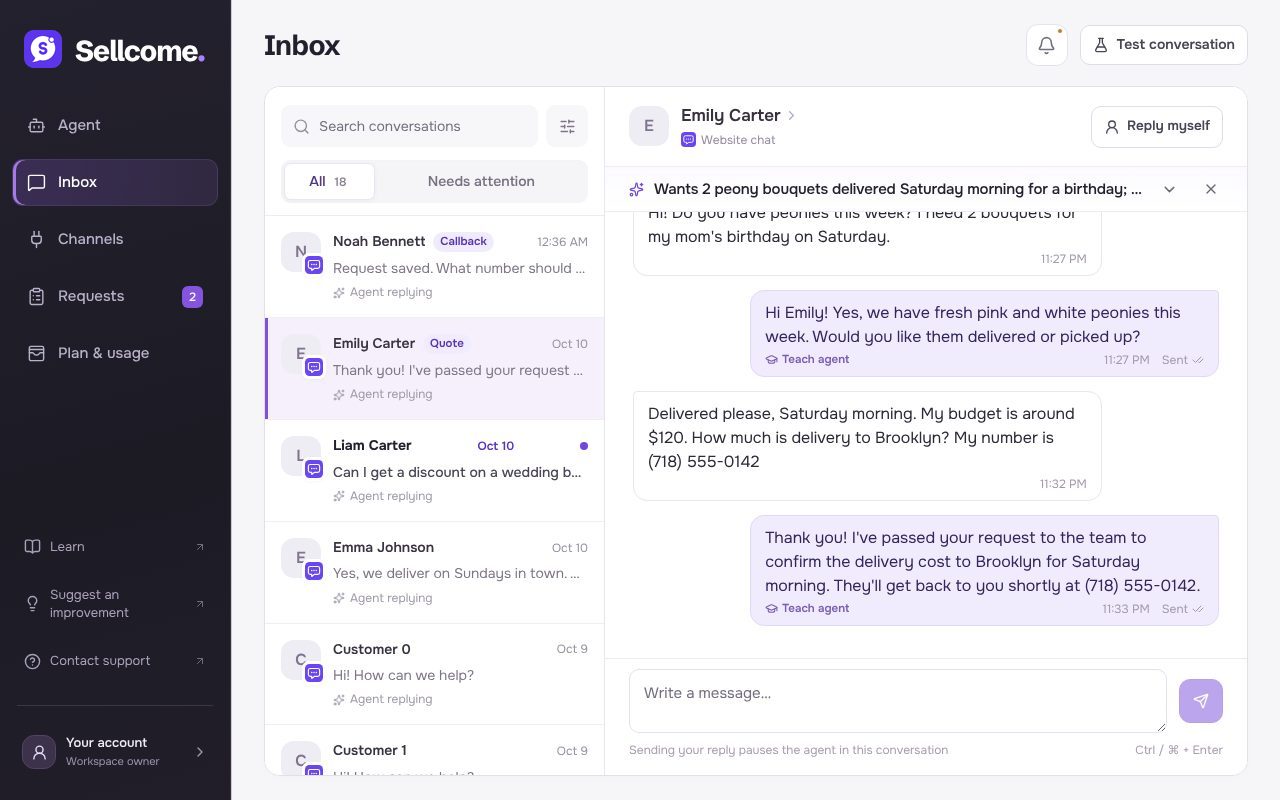
Work in your inbox
Every customer conversation in one list: see what each customer wants at a glance, step in whenever you like and teach your agent from real replies.
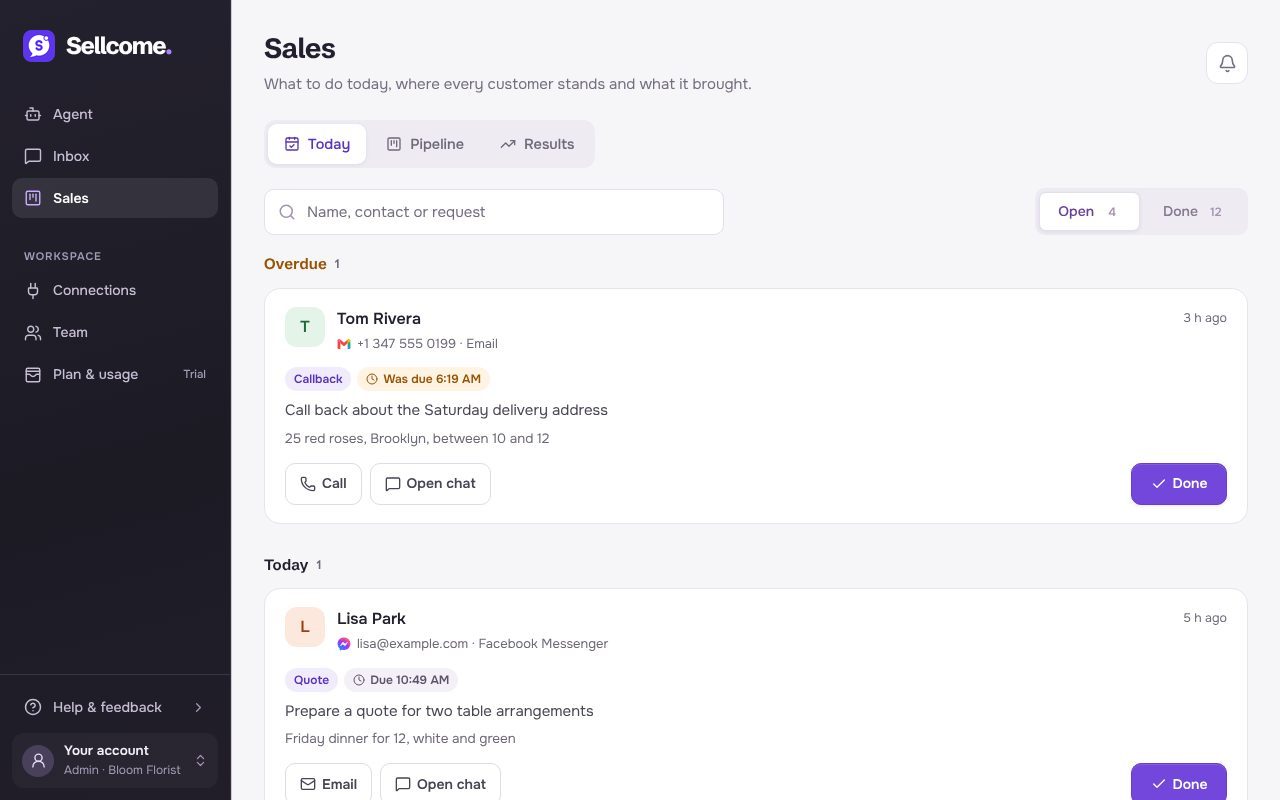
Requests and notifications
Know when a customer needs you, follow up on orders and callbacks, and choose which replies wait for your approval.
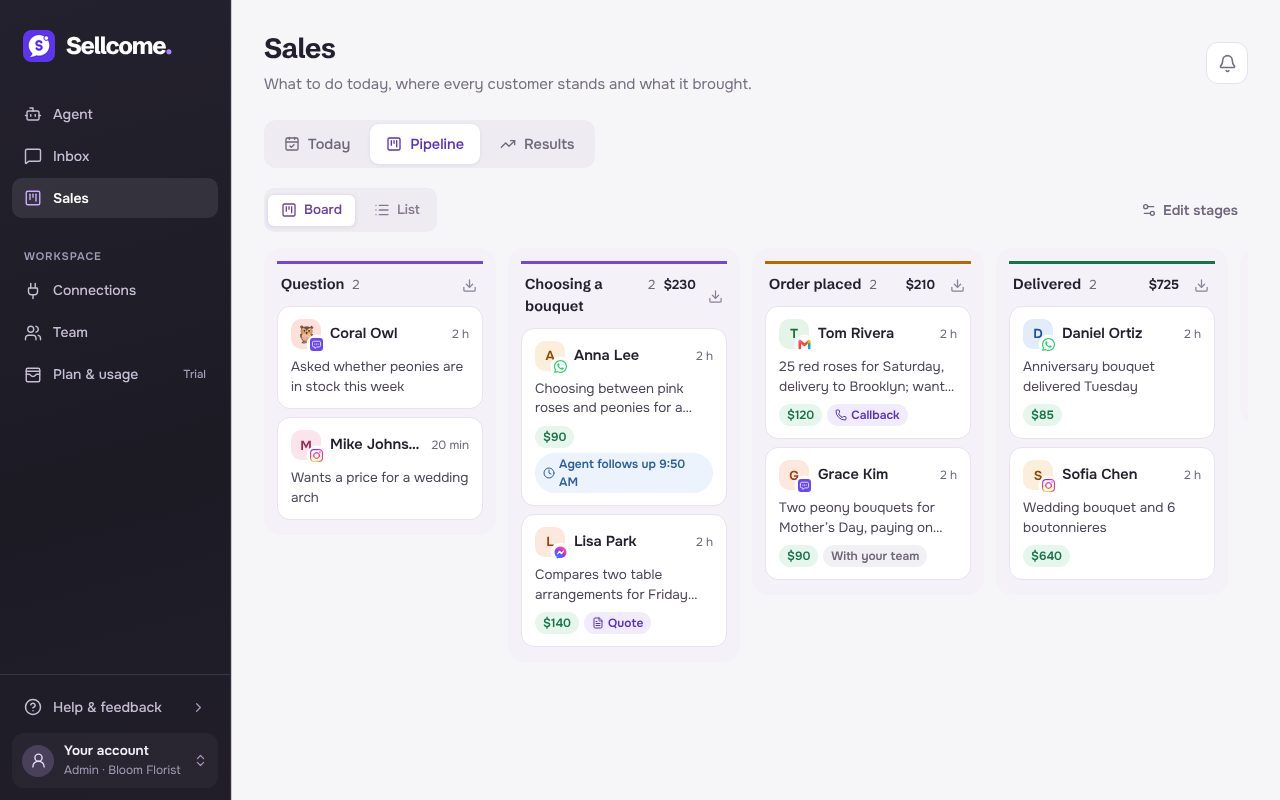
Sales: pipeline, customers and results
See where every customer stands, bring back the quiet ones and find out what your agent brought.
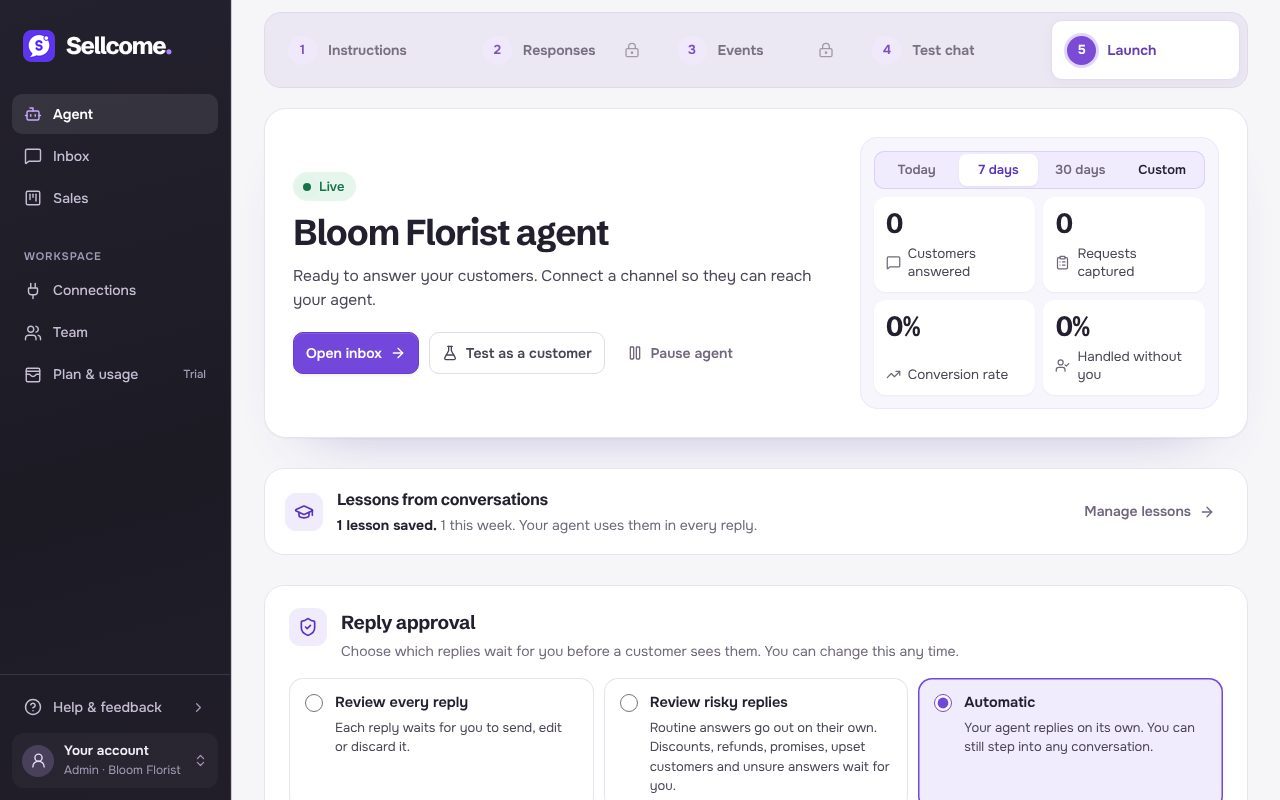
Manage your live agent
See how your agent is doing, pause it when you need to, and change what it says without stopping it.
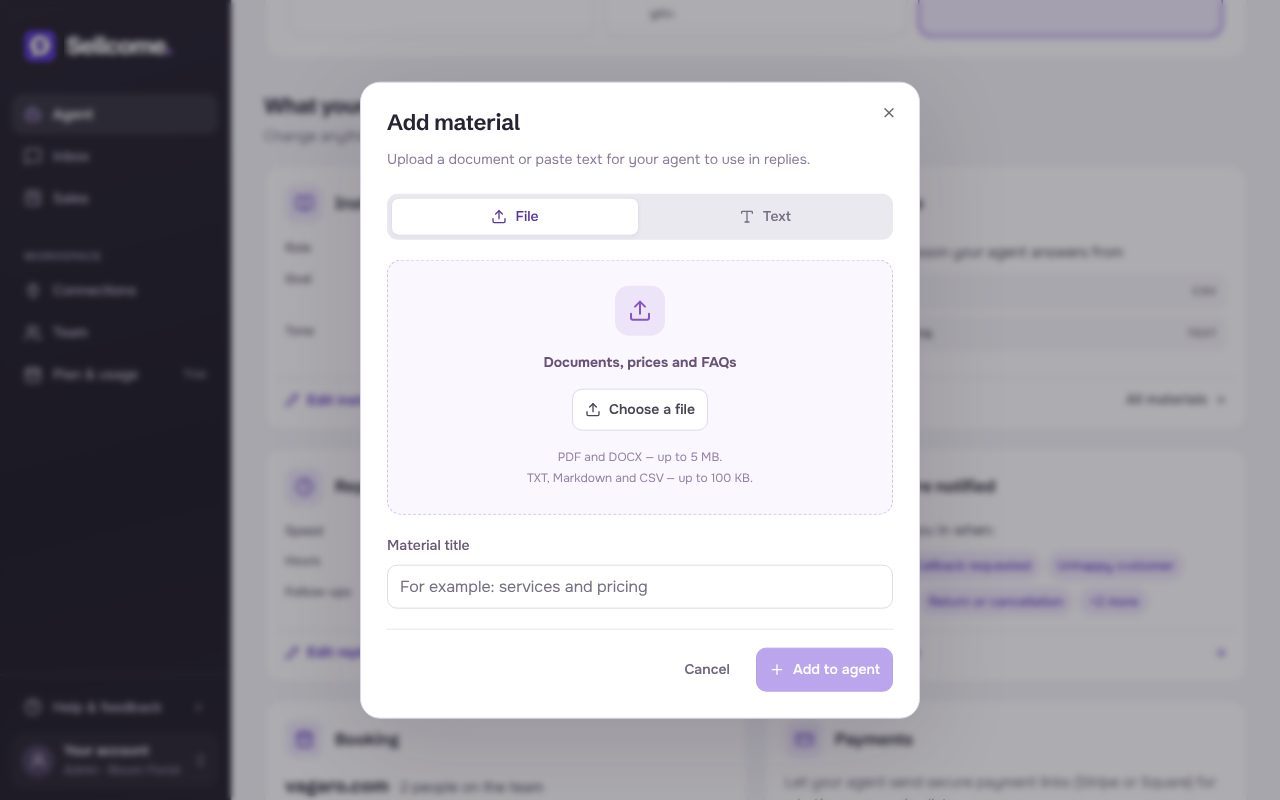
Add your prices and knowledge
Give your agent your price list, policies and answers to common questions, so it replies with your facts, not guesses.
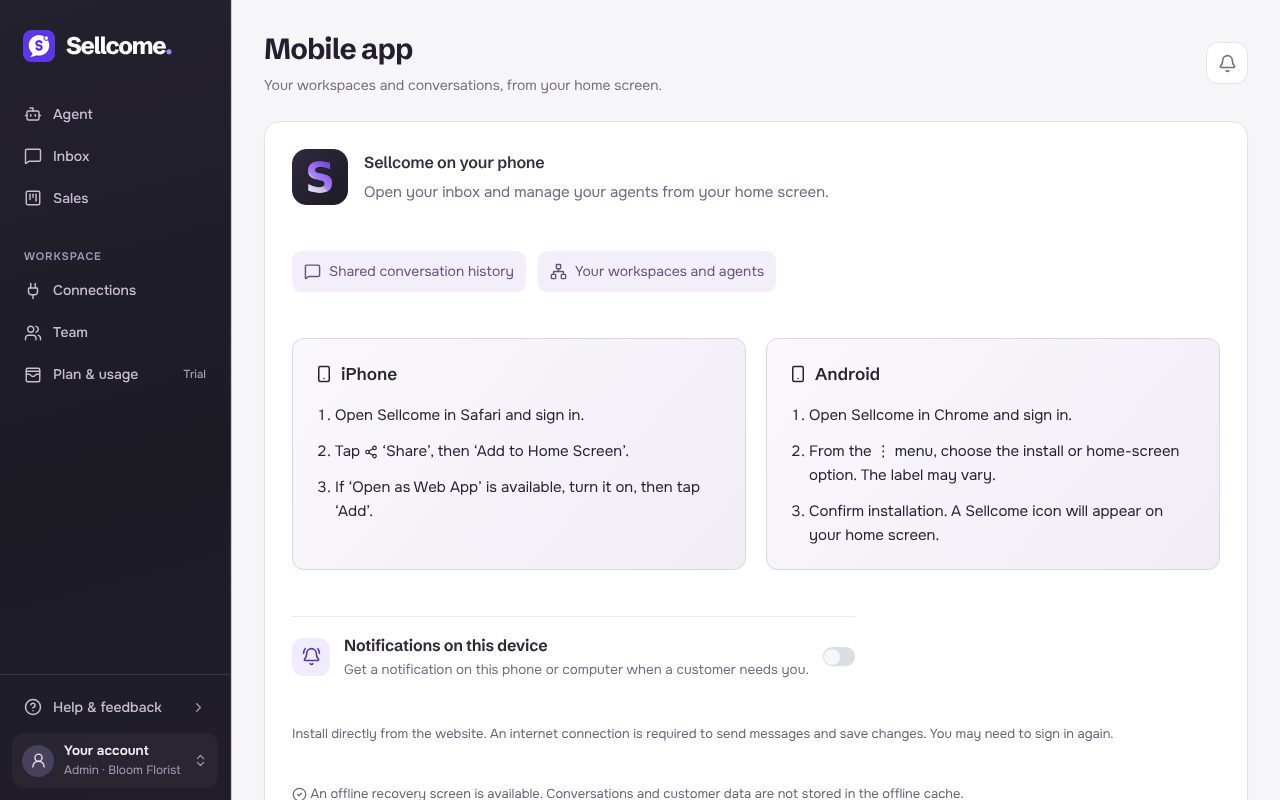
Use Sellcome on your phone
Add Sellcome to your Home Screen, get notified when a customer needs you, and answer from wherever you are.
Still have a question?
Chat with us on the contact page, or write to support from your workspace. A person on our team will reply.